Navimow i2 AWD Error Code 7102: Wheel Encoder Data Error
Code 7102 means the mower is not receiving usable wheel-encoder data, which can interfere with movement tracking and positioning.
Reviewed by the RobotMower.help editorial team. Independent guidance based on the manufacturer source linked below.
Quick answer
Navimow defines error 7102 as a “Wheel Encoder Data Error.”
Press STOP to clear the code. If it persists, pull the mower off the charging station, hold OK for three seconds to power it off, then turn it back on. Contact support if the code returns.
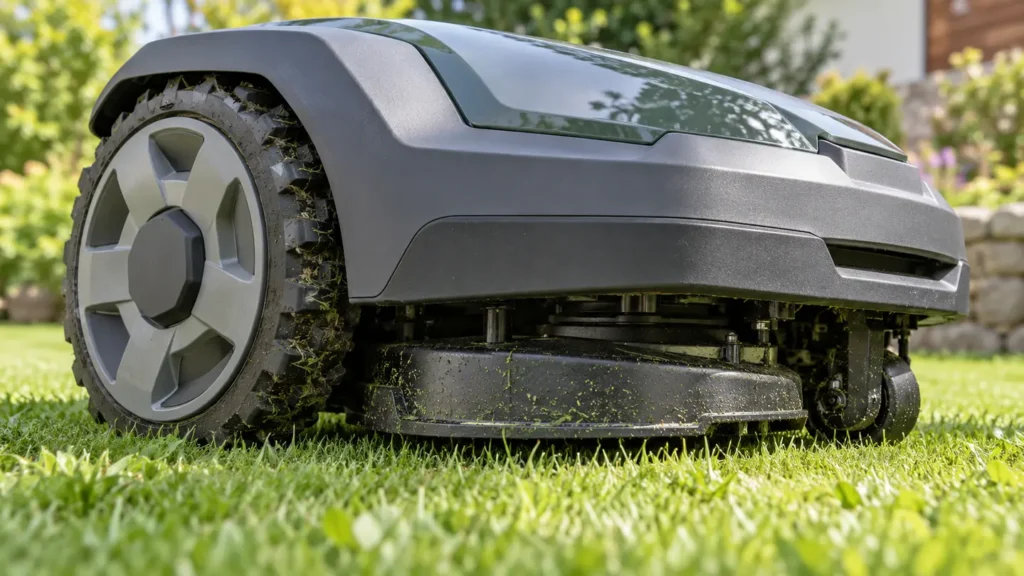
Illustrative troubleshooting image; not a manufacturer product photo.
Fix it in this order
- Press STOP. This clears the active alert and lets you see whether it was temporary.
- Check for an obvious obstruction. With the mower safely powered down, look around the wheels for packed grass, string, or debris. Do not dismantle the drive assembly.
- Remove the mower from its dock. Navimow specifies pulling it off the charging station before the restart.
- Hold OK for three seconds. Wait for the mower to power off fully.
- Turn it back on. If normal operation returns, watch the next short task. If 7102 reappears, stop repeated resets and contact support.
Repeated 7102 errors need service
The encoder is part of the mower’s movement-measurement system. If clearing and restarting do not resolve the code, the official guidance is to contact Navimow support rather than opening the wheel or electronics.
What the error means
A wheel encoder reports wheel rotation to the mower. The navigation system uses that information to estimate movement and maintain accurate positioning. Bad or missing encoder data can therefore affect driving, route tracking, and location estimates.
The code does not prove that the wheel motor itself has failed. It identifies a data problem, so use the prescribed reset first and let support diagnose a persistent fault.
What to record before contacting support
- The mower serial number
- The exact date and time the code appeared
- A photo, video, or screenshot of the message
- What the mower was doing immediately before the error
Frequently asked questions
Not necessarily. The code identifies a wheel encoder data problem. A persistent code requires diagnosis, but it does not by itself confirm a failed motor.
The manufacturer procedure says to pull the mower off the charging station before holding OK for three seconds to power it down.
Packed grass or string can interfere with wheel movement, so a safe external inspection is reasonable. Do not dismantle the drive assembly.
Related robot mower guides
Source and safety note
Primary source: Segway Navimow support documentation. RobotMower.help is independent and is not affiliated with Segway Navimow or any mower manufacturer. Turn the mower off before inspecting moving parts. Do not open the battery pack or sealed electronics.