Navimow X4 Error Code 8101: Camera Sensor Not Calibrated
Code 8101 means the X4 camera sensor has not been calibrated, which may affect navigation and obstacle detection.
Reviewed by the RobotMower.help editorial team. Independent guidance based on the manufacturer source linked below.
Quick answer
Navimow defines error 8101 as “Camera Sensor Not Calibrated.”
There is no owner-performed calibration procedure for this code. Navimow says calibration cannot be done manually, so contact support and provide the mower serial number, the exact date and time, and relevant photos or video.
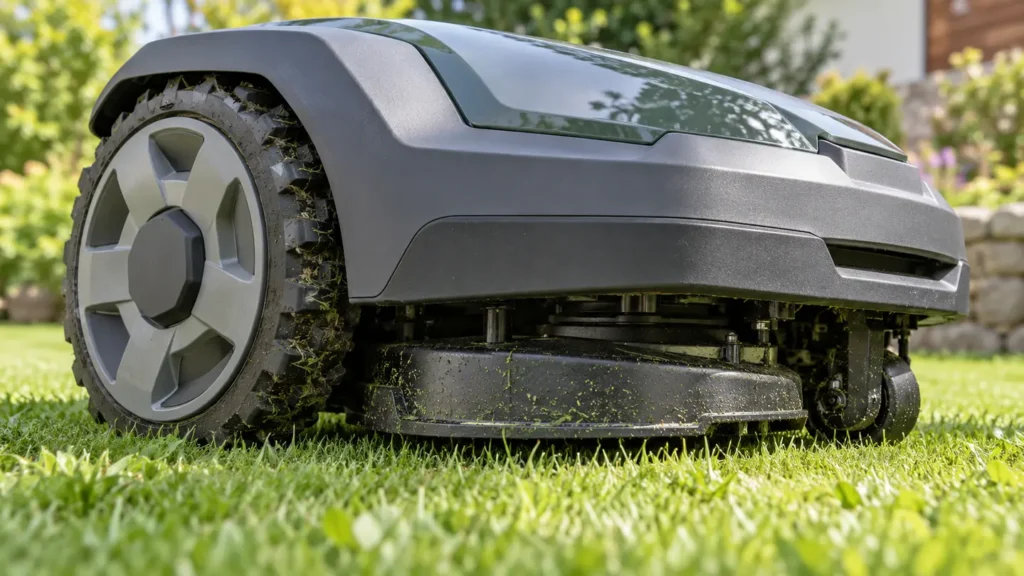
Illustrative troubleshooting image; not a manufacturer product photo.
Fix it in this order
- Stop the mowing task. Do not rely on obstacle detection while a camera calibration error is active.
- Record the code and time. Take a screenshot in the app if available.
- Photograph the mower’s condition. Capture any visible camera obstruction or damage without opening the housing.
- Locate the serial number. Support will request it.
- Contact Navimow support. The official guidance states that this calibration cannot be performed manually.
There is no supported DIY calibration
A power cycle may be tempting, but Navimow’s code-specific guidance does not provide an owner calibration sequence. Do not open the camera housing, alter its alignment, or install unofficial calibration software.
What the error means
The camera supports navigation and obstacle detection. Calibration tells the mower how the sensor’s view relates to the machine’s position and movement. Incorrect calibration can reduce the reliability of those functions.
Cleaning an externally dirty lens with the method approved in your owner documentation may improve visibility, but it does not perform calibration and should not be presented as a fix for code 8101.
What to record before contacting support
- The mower serial number
- The exact date and time the code appeared
- A photo, video, or screenshot of the message
- What the mower was doing immediately before the error
Frequently asked questions
Not for error 8101. The manufacturer states that calibration cannot be done manually.
Cleaning can help a dirty view, but it does not calibrate the sensor and is not the official fix for this code.
Avoid normal autonomous mowing until support resolves the calibration issue because navigation and obstacle detection may be affected.
Related robot mower guides
Source and safety note
Primary source: Segway Navimow support documentation. RobotMower.help is independent and is not affiliated with Segway Navimow or any mower manufacturer. Turn the mower off before inspecting moving parts. Do not open the battery pack or sealed electronics.