Home / Worx / Troubleshooting
E3 Blade Motor Fault means the cutting motor or blade disc could not operate normally.
Reviewed by the RobotMower.help editorial team. Independent guidance based on the manufacturer source linked below.
Power off fully, follow battery guidance, wear gloves, and inspect for packed grass, string, sticks, damaged blades, or resistance.
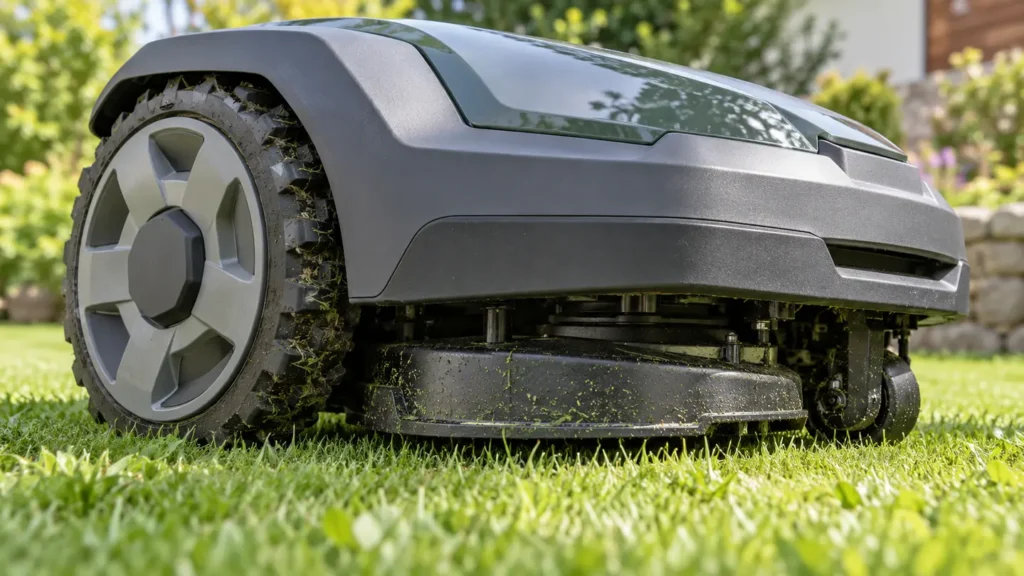
Illustrative troubleshooting image; not a manufacturer product photo.
Packed grass, wrapped string, trapped objects, bent blades, bearing resistance, damaged wiring, or a control fault may trigger E3.
The disc should move normally and a supervised test should run without unusual noise or E3.
Do not skip this check: repeat the affected action under supervision before restoring schedules.
No. Record the exact message and inspect the likely physical or connection cause first.
Only after official checks isolate that component.
Stop for damaged wiring, unusual heat, swelling, burning odor, water inside electrical parts, or repeated hardware faults.
Contact Worx support if the message returns after the official checks. Send the model, serial number, firmware version, photos, and a short video.
Primary reference: Worx official support.
RobotMower.help is independent and is not affiliated with or endorsed by Worx. Product behavior can vary by model and firmware.