Worx Landroid E1 Wire Missing: Boundary Wire Troubleshooting
E1 Wire Missing means a wired Landroid cannot detect a usable boundary-loop signal. The break may be in the wire, a connector, the base power supply, or the mower’s signal detection.
Reviewed by the RobotMower.help editorial team. Independent guidance based on the manufacturer source linked below.
Quick answer
Quick answer: Check the charging base light and power first, then test the boundary loop with a short known-good wire. Repair outdoor connections only with waterproof components before searching the full lawn.
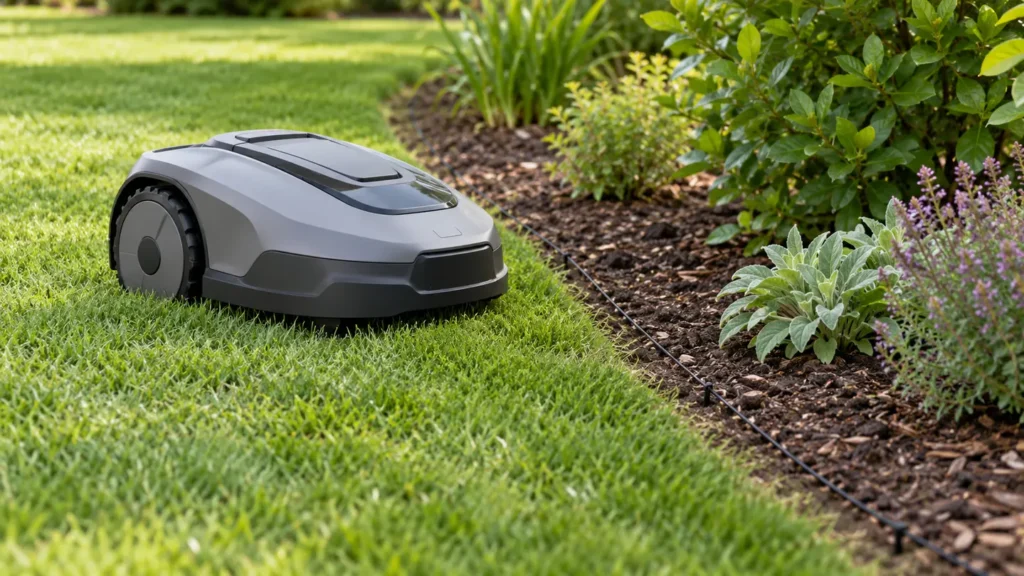
Illustrative troubleshooting image; not a manufacturer product photo.
Fix it in this order
- Photograph the base light.
- Confirm outlet and base power.
- Reseat loop terminals safely.
- Connect a short test loop.
- Inspect recent digging and old splices.
- Use waterproof repair connectors.
- Retest before covering the wire.
What usually causes this?
1. Record the base light: Photograph the indicator and exact E1 message before disconnecting anything. 2. Confirm base power: Test the outlet safely and inspect the adapter and cable for damage or heat. 3. Reseat loop terminals: With power disconnected, verify both boundary-wire ends are clean and securely clamped. 4. Build a short test loop: Connect a small known-good loop near the base to separate mower/base faults from lawn-wire faults. 5. Inspect likely break points: Check recent digging, edging, aeration, animal damage, gates, driveways, and old splices. 6. Use waterproof repairs: Replace corroded connectors with outdoor-rated gel connectors and avoid twisted bare joins. 7. Retest before burying: Run the mower on the repaired loop before covering the wire.
How to verify the fix
Common causes: A cut or corroded wire, loose terminal, failed waterproof splice, damaged power supply, base fault, nearby electrical interference, or mower receiver problem can remove the loop signal.
Do not skip this check: repeat the affected action under supervision before restoring schedules.
Frequently asked questions
Should I reset it first?
No. Record the exact message and inspect the likely physical or connection cause first.
Should I replace a part immediately?
Only after official checks isolate that component.
When should I stop?
Stop for damaged wiring, unusual heat, swelling, burning odor, water inside electrical parts, or repeated hardware faults.
When to contact support
Contact Worx support if the message returns after the official checks. Send the model, serial number, firmware version, photos, and a short video.
Source and scope
Primary reference: Worx official support.
RobotMower.help is independent and is not affiliated with or endorsed by Worx. Product behavior can vary by model and firmware.