LUBA 2 Not Returning to Charging Station: Fix Guide
A LUBA 2 can fail before it reaches the dock, while searching near the dock, or after it climbs onto the base. Identifying that stage keeps you from changing the map unnecessarily.
Reviewed by the RobotMower.help editorial team. Independent guidance based on the manufacturer source linked below.
Quick answer
Clear the route and station area, confirm reliable positioning, make sure the base is level and has not shifted, clean the station/mower contact area, then watch one supervised return.
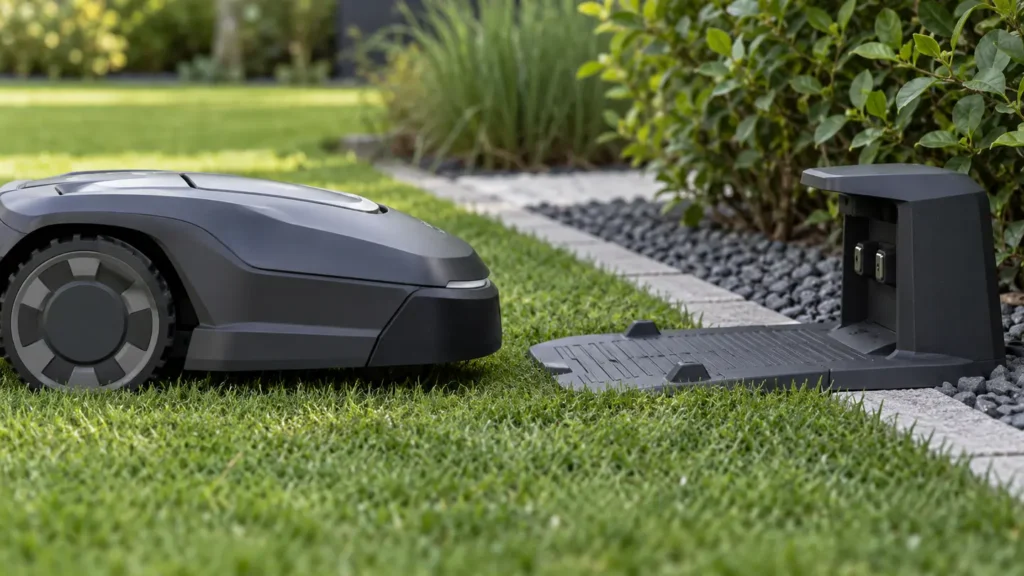
Illustrative troubleshooting image; not a manufacturer product photo.
Fix it in this order
- Identify the failure stage
Note whether LUBA leaves the work zone, reaches the station area, lines up, climbs onto the dock, and begins charging. - Clear the path and final approach
Remove branches, hoses, stones, loose soil, tall grass, and objects that can narrow the corridor or change wheel traction. - Confirm stable positioning
Check mower, RTK, and reference-link status. A mower with poor positioning may circle or search because the saved station location is unreliable. - Inspect base alignment
Confirm the station is flat, firmly placed, and unchanged since mapping. Follow the app’s relocation process if it has moved. - Clean sensors and contacts
Gently remove dirt from the specified visual/infrared areas and charging contacts. Keep liquids away from connectors. - Charge before testing
If LUBA is nearly empty, place it manually on the station and let it charge before a short return test. - Run a short supervised cycle
Use a nearby test zone so you can watch the exact behavior without risking a shutdown far from the dock.
What usually causes this?
Weak positioning, an obstructed route, altered station placement, slippery or uneven ground, dirty sensors/contacts, or insufficient remaining battery can prevent a complete return.
How to verify the fix
A proper return ends with positive alignment and a rising battery percentage—not merely the mower stopping beside the station.
Do not skip this check: a cleared message is not proof of a repair. Confirm the mower completes the affected action under supervision before restoring unattended schedules.
When to contact support
Save a video from the moment LUBA enters the station area, plus map screenshots, RTK status, station photos, serial number, and firmware versions.
Stop troubleshooting and contact the manufacturer if you find damaged wiring, swelling, burning odor, water inside electrical parts, or repeated failures after the documented checks.
Source and scope
Primary reference: Mammotion: positioning checks relevant to returning home.
RobotMower.help is independent and is not affiliated with or endorsed by Segway Navimow or Mammotion. Product behavior can vary by model and firmware.