LUBA 2 Not Charging: Dock and Contact Checklist
If LUBA 2 is on the dock but the battery percentage does not rise, separate a no-power condition from poor contact or mower-side trouble. The station LED and app status provide the first clues.
Reviewed by the RobotMower.help editorial team. Independent guidance based on the manufacturer source linked below.
Quick answer
Confirm the station has power, watch whether its LED changes when the mower docks, reseat LUBA squarely, and clean dry debris from the charging contacts before restarting.
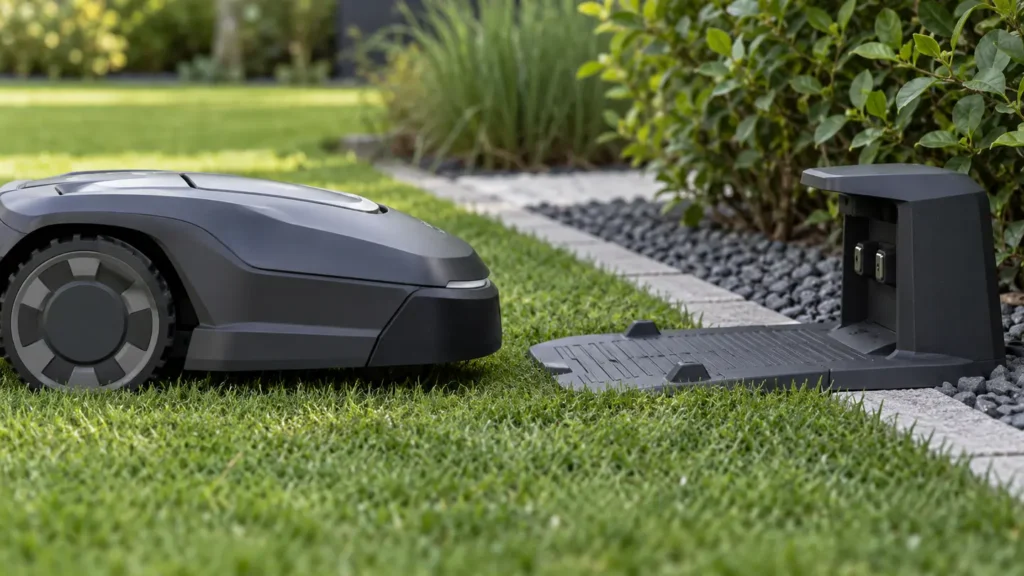
Illustrative troubleshooting image; not a manufacturer product photo.
Fix it in this order
- Confirm station power
Check the outlet, adapter, cable, and visible station status. Test the outlet with another safe device if necessary. - Observe docking behavior
Note whether the station LED changes or flashes when LUBA is seated. Mammotion documentation uses LED behavior to distinguish charging from a station that remains idle. - Reseat the mower
Move LUBA away, check that the base is level and unobstructed, then guide it back so both contacts align evenly. - Clean the contacts
With equipment safely powered as directed, remove dry dirt and oxidation residue using a soft cloth. Never short the contacts with a metal object. - Check temperature and moisture
Allow a very hot, frozen, or wet mower to return to suitable conditions before retrying. Do not open the battery enclosure. - Restart without repeated resets
Restart the mower and app once. If the mower is unresponsive, follow the manufacturer’s key/reset sequence for your model rather than improvising. - Measure the result
Record starting percentage and check again after 20–30 minutes. An icon alone is less useful than a confirmed increase.
What usually causes this?
No station power, poor contact alignment, dirt or corrosion, unsuitable battery temperature, software state, battery degradation, or charging-hardware failure can lead to the same symptom.
How to verify the fix
The app should show charging and the battery percentage should rise steadily. Also confirm the mower can leave and redock normally.
Do not skip this check: a cleared message is not proof of a repair. Confirm the mower completes the affected action under supervision before restoring unattended schedules.
When to contact support
Send the serial number, station LED video, contact photos, app screenshot, temperature/weather context, and battery percentages before and after a timed test.
Stop troubleshooting and contact the manufacturer if you find damaged wiring, swelling, burning odor, water inside electrical parts, or repeated failures after the documented checks.
Source and scope
Primary reference: Mammotion: power and charging-station checks for LUBA.
RobotMower.help is independent and is not affiliated with or endorsed by Segway Navimow or Mammotion. Product behavior can vary by model and firmware.