Lymow Not Charging: Station, Contacts, and Power Checks
A Lymow mower that is not charging may have a supply problem, poor dock alignment, contaminated contacts, unsuitable temperature, or delayed app reporting. Work from the outlet toward the mower.
Reviewed by the RobotMower.help editorial team. Independent guidance based on the manufacturer source linked below.
Quick answer
Confirm the outlet, adapter, station indicator, dock alignment, and dry charging surfaces. Then leave the mower seated and verify that the battery percentage actually rises.
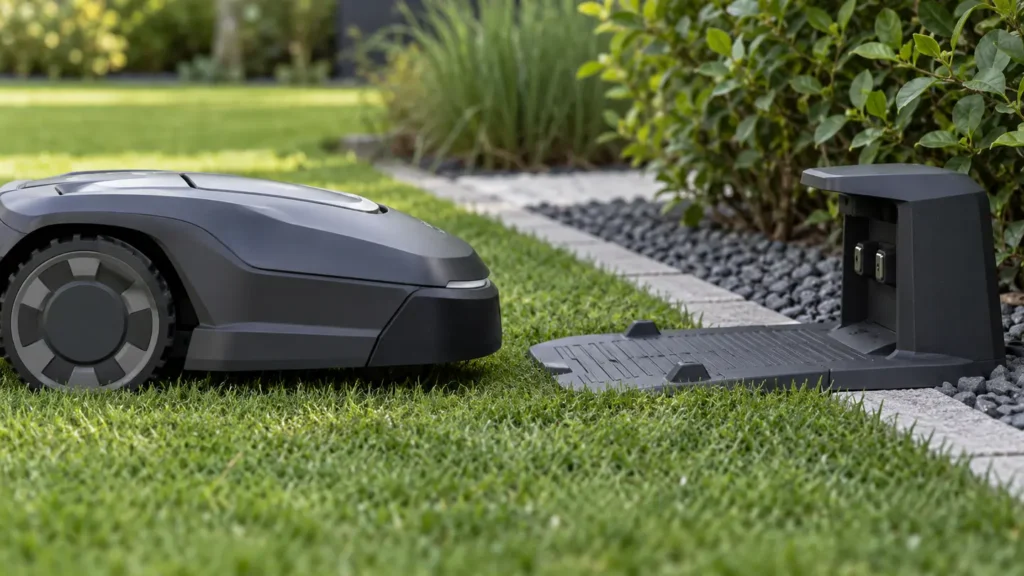
Illustrative troubleshooting image; not a manufacturer product photo.
Fix it in this order
- Test the outlet
Use a known-safe method and check a GFCI or breaker if appropriate. - Inspect adapter and cable
Stop if you see cuts, crushed cable, heat damage, or moisture. - Record station indicators
Take a photo before cycling power. - Check dock placement
Keep the station stable, level, and clear with the mower squarely seated. - Clean only as directed
Power off and use a dry non-abrasive method; never spray contacts. - Allow normal temperature
Let the mower leave extreme heat or cold before retrying. - Verify by percentage
Refresh the app and confirm the charge level rises over time.
What usually causes this?
A dead outlet, tripped protection, damaged adapter or cable, shifted station, poor contact alignment, contamination, temperature protection, or an internal charging fault can be responsible.
How to verify the fix
The mower should stay docked, show charging, and gain battery percentage. Test automatic docking once after normal charging begins.
Do not skip this check: a cleared warning is not proof of a repair. Confirm the mower completes the affected action under supervision before restoring unattended schedules.
Frequently asked questions
Should I delete the map first?
No. Fix power, connectivity, positioning, and hardware placement first. Remapping can hide the original cause.
Should I install an update?
Install only an official update offered for your exact model and keep power and connectivity stable.
When should I stop?
Stop for damaged wiring, unusual heat, battery swelling, burning odor, water inside electrical parts, or repeated hardware faults.
When to contact support
Contact Lymow if the station lacks a normal indicator with confirmed power, contacts become hot, charging repeatedly cycles, or battery percentage never rises.
Source and scope
Primary reference: Lymow official manuals.
RobotMower.help is independent and is not affiliated with or endorsed by Lymow. Product behavior can vary by model and firmware.