Home / Navimow / Diagnostic Guide
Navimow i2 AWD Not Moving: Wheel, Motor, and Control Checks
Navimow i2 AWD not moving? Use the mower behavior and error code to separate wheel obstruction, motor, encoder, and motion-control faults.
Reviewed October 6, 2026 by RobotMower.help. Independent guidance based on the site’s code-specific manufacturer research.
Quick answer
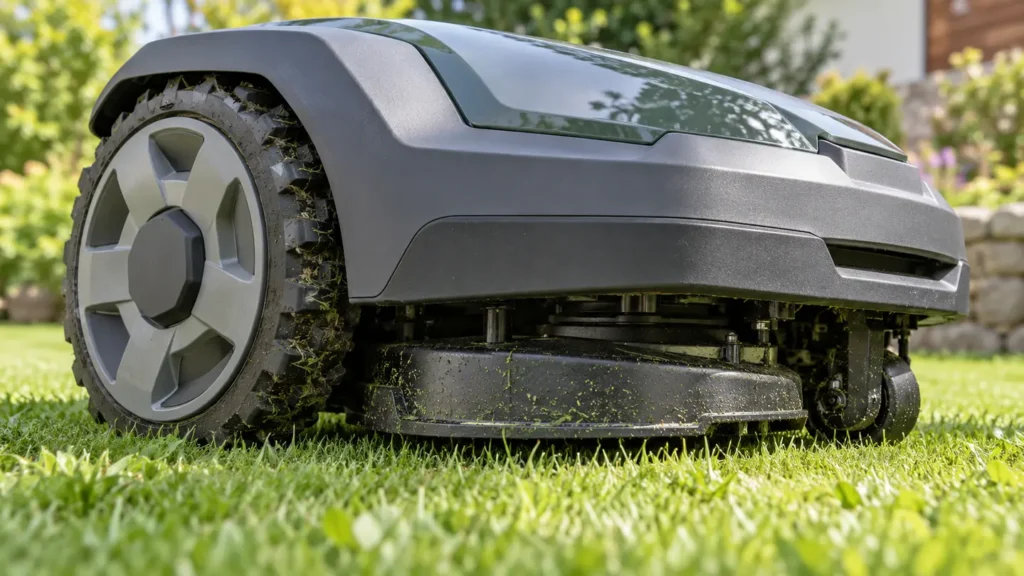
Stop the mower and check both drive wheels for packed grass, string, mud, or a physical jam. If the wheels are clear, use the displayed code to distinguish a wheel-motor fault from an encoder or motion-control problem.
Why this symptom can have several causes
A mower that will not move can be physically blocked, unable to measure wheel rotation, unable to drive a motor, or unable to complete a planned movement. Those conditions can look identical from a distance, but the error code narrows the system involved.
This guide starts with the broad symptom of a mower that cannot move. The linked code pages remain the exact references for each individual alert.
Diagnostic checks in the safest order
- Place the mower on level ground, press STOP, power it off, and remove the key if your model uses one.
- Inspect both drive wheels and the underside without opening sealed housings. Remove only loose grass, string, or mud that can be cleared safely.
- Check whether one wheel sits at an unusual angle, resists normal movement, or makes a grinding sound. Do not force it.
- Restart once and run a short supervised test in an open, dry area.
- Record the code, time, firmware version, battery level, and a short video if the problem returns.
Match the symptom to the code
| Code or group | Reported area | Detailed guide |
|---|---|---|
| 3110 | Wheel motor error | Open guide |
| 3109 | Wheel motor current protection | Open guide |
| 7102 | Wheel encoder data error | Open guide |
| 6110 | Motion control not responding | Open guide |
| 6108 | Mower unable to move | Open guide |
When to stop troubleshooting
Stop and contact Navimow support when the same fault returns after one restart, the mower moves unpredictably, a sealed component appears damaged, charging equipment is wet or damaged, or the mower cannot complete a short supervised test safely.
Frequently asked questions
Why is my Navimow i2 AWD powered on but not moving?
A blocked wheel, drive-motor fault, wheel-encoder problem, motion-control fault, or a positioning condition can prevent movement. The displayed code is the fastest way to narrow it down.
Can I turn the wheels by hand?
Do not force the wheels. With the mower powered off, inspect for visible debris and unusual resistance only. Follow the manufacturer guidance for the exact code.
When should I contact Navimow support?
Contact support when the mower remains unable to move after safe external checks and one restart, or when the code returns immediately.
Related Navimow guides
- Navimow troubleshooting hub
- Robot mower error-code library
- Common Segway Navimow problems
- Navimow GPS signal weak
RobotMower.help is independent and is not affiliated with Segway Navimow. Confirm safety and repair instructions with the manufacturer documentation for your model.