Navimow Not Returning to Charging Station: 8 Checks
When a Navimow finishes mowing but cannot dock, diagnose the return path before assuming the battery or station has failed. Obstacles, poor positioning, a moved base, dirty sensors, and low charge are common categories.
Reviewed by the RobotMower.help editorial team. Independent guidance based on the manufacturer source linked below.
Quick answer
Clear the approach, confirm the station has not shifted, clean the charging contacts and navigation sensors, and retry the Home command while the mower has good signal and enough battery.
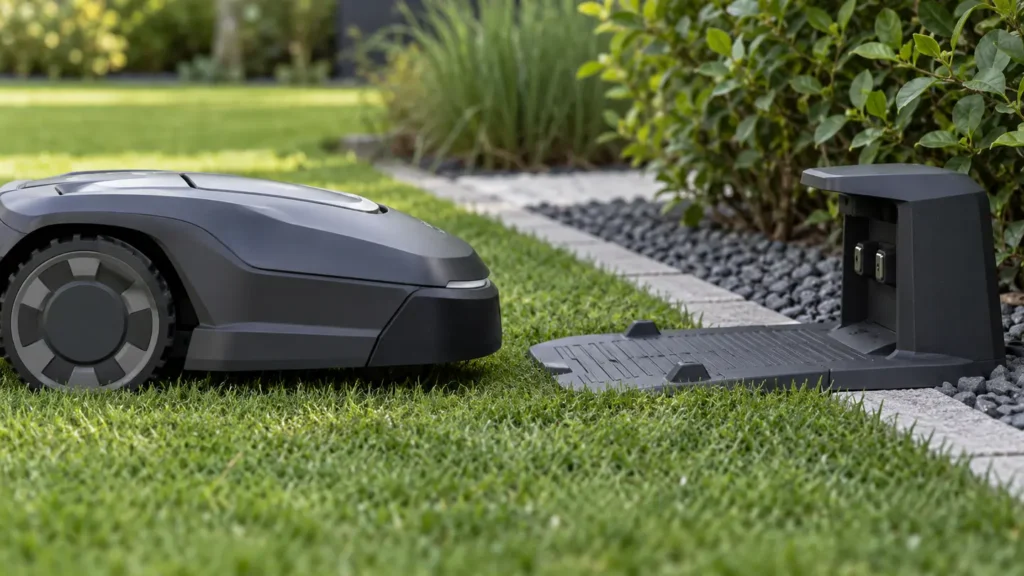
Illustrative troubleshooting image; not a manufacturer product photo.
Fix it in this order
- Clear the entire approach
Remove toys, hoses, twigs, stones, overgrown grass, and low branches—not just objects directly touching the station. - Confirm the base is level
A tilted or shifted station can prevent alignment. If it was moved after mapping, use the correct relocation procedure rather than simply placing it back nearby. - Clean contacts safely
Power down as directed for your model and wipe dry debris from both mower and station contacts. Do not bridge contacts with metal tools. - Clean vision sensors
Gently clean the camera or LiDAR surfaces specified for your model. Dirt can appear as a false obstacle during the final approach. - Check positioning
Make sure the mower and any antenna have a clear sky view. A mower that does not know its position accurately may not find the saved dock location. - Check remaining charge
If the mower shuts down on the way home, place it on the station, fully charge it, and test a short task. - Restart and update
Restart the mower and app, then install current firmware with the mower docked. - Watch one return
Run a short supervised task and note exactly where the return fails: leaving the zone, following a channel, finding the base, or making contact.
What usually causes this?
Blocked routes, altered station alignment, dirty contacts or sensors, weak GPS/RTK, outdated firmware, and a deeply discharged or deteriorating battery can produce similar symptoms.
How to verify the fix
A successful fix includes both reaching the station and beginning to charge. Confirm the battery icon changes after docking.
Do not skip this check: a cleared message is not proof of a repair. Confirm the mower completes the affected action under supervision before restoring unattended schedules.
When to contact support
Send support a video of the final approach, station-area photos, mower serial number, firmware version, and the date and time of a failed return.
Stop troubleshooting and contact the manufacturer if you find damaged wiring, swelling, burning odor, water inside electrical parts, or repeated failures after the documented checks.
Source and scope
Primary reference: Segway Navimow: mower cannot return to charging station.
RobotMower.help is independent and is not affiliated with or endorsed by Segway Navimow or Mammotion. Product behavior can vary by model and firmware.