ANTHBOT Error E301: Return-to-Charge and Docking Failure
Error E301 troubleshooting focuses on the route back to the dock, station power, charging contacts and the vision camera.
Reviewed October 7, 2026 by RobotMower.help. Independent guidance checked against the official support source linked below.
Quick answer
Clear the station area, clean the contacts and camera, confirm station power, then guide the mower into the dock manually for one supervised test.
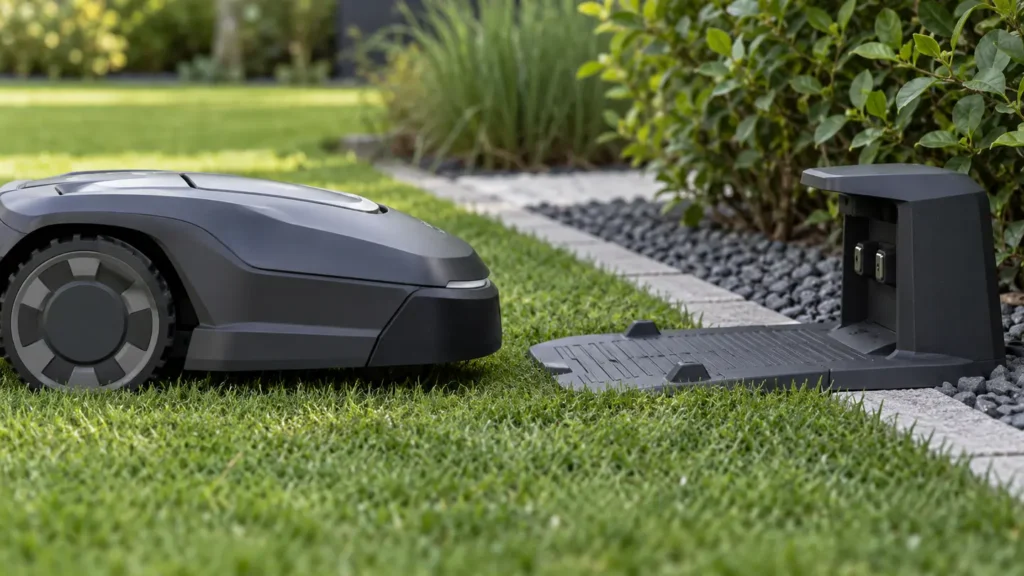
E301 at a glance
| Mower | ANTHBOT robot mower |
|---|---|
| Code | E301 |
| What the official steps point to | Return-to-charge or docking failure |
What E301 means
The official E301 procedure treats the fault differently depending on whether the mower is near or far from the station. Near the dock, check contacts, camera, power and obstructions. Far away, inspect the return path and narrow passages.
Fix ANTHBOT robot mower E301 step by step
- 1. Remove tall grass and objects around the charging station.
- 2. Clean the mower and station charging contacts with the method allowed by the manual.
- 3. Confirm the charging station indicator shows normal power.
- 4. Wipe the mower vision camera with a clean, soft cloth.
- 5. Manually guide the mower into the dock and confirm charging begins.
- 6. Inspect the return path for trees, flower beds, narrow passages or other obstacles.
Check these conditions before resetting anything
- The charging station has not moved since mapping.
- The approach lane is flat and clear.
- No-go zones exclude repeat trouble spots.
- The contacts are dry and free of debris.
Moving the charging station after mapping can break the saved return geometry. If the station was relocated, follow ANTHBOT mapping guidance rather than repeatedly forcing a dock attempt.
How to verify the fix
The mower should complete the return route, align with the station and begin charging without assistance.
If the same code returns, record the exact time, mower location, indicator status and any earlier alert. That sequence is more useful to support than repeated resets.
When to contact support
Contact ANTHBOT if E301 returns after a clear approach, confirmed station power, clean contacts and one manual docking test. Send photos of the installation and the time of failure.
Frequently asked questions
Can dirty contacts cause E301?
They can contribute to docking or charging failure, and ANTHBOT includes contact cleaning in its E301 checks.
Should I move the charging station?
Not casually. ANTHBOT warns that moving it after mapping may require remapping.
What if the mower fails far from the dock?
Inspect the return route for obstacles, flower beds and narrow passages.
Related robot mower help
Source and scope
Primary reference: official ANTHBOT support guidance for E301.
RobotMower.help is independent and is not affiliated with or endorsed by ANTHBOT. This guide explains owner-safe checks and does not replace the manufacturer manual or professional service.