Home / ANTHBOT / Error Codes
ANTHBOT Error Codes: E-Series Troubleshooting Guide
Use the exact E-series code shown by the mower or app to reach the right diagnostic path.
Updated October 7, 2026. Independent guidance based on official ANTHBOT support documentation.
Quick answer
Do not start with a factory reset. Record the exact code, check the mower location and indicator lights, then use the matching guide below.
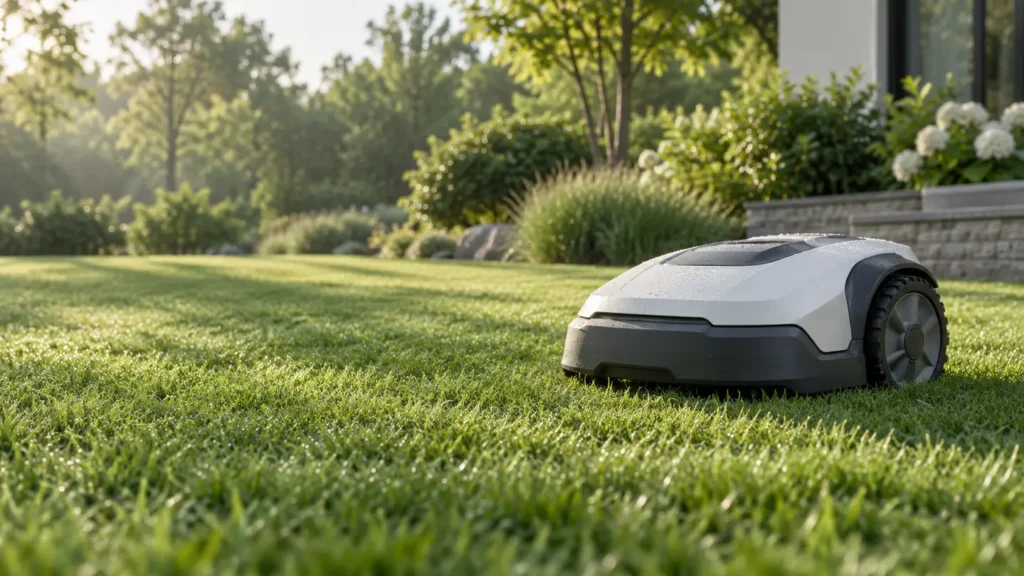
ANTHBOT error-code guides
- E101: RTK Base Station Status and LoRa Checks
- E102: RTK Base Station Signal or Power Problem
- E104: LoRa Pairing Failed
- E301: Return-to-Charge and Docking Failure
- E302: Mower Stuck or Unable to Move
- E304: Positioning and Re-Localization Failure
- E305: Weak RTK Signal or Boundary Position Problem
- E306: Mower Outside the Map Boundary
- E700: STOP Button or Top Cover Check
How to diagnose the right system
E100-series codes in this cluster lead toward RTK, power or LoRa communication. E300-series codes involve docking, movement, positioning or boundaries. E700 leads to a safety-control and cover check. Use the code itself rather than guessing from mower behavior.
Before changing the map
Photograph the app message and mower position. Check station power, RTK indicator state, visible obstructions and terrain first. Remapping too early can erase evidence and introduce a second fault.
When to contact ANTHBOT
Escalate a code that returns after the official owner-safe checks. Send the serial number, order number when requested, exact time, installation photos and a short video of the behavior.