ANTHBOT Error E306: Mower Outside the Map Boundary
Error E306 points to an out-of-boundary position, a shifted map or a boundary placed too close to a slope or drop.
Reviewed October 7, 2026 by RobotMower.help. Independent guidance checked against the official support source linked below.
Quick answer
Return the mower inside the map and restart it. If the app still shows it outside, check for map shift and secure the RTK station before remapping.
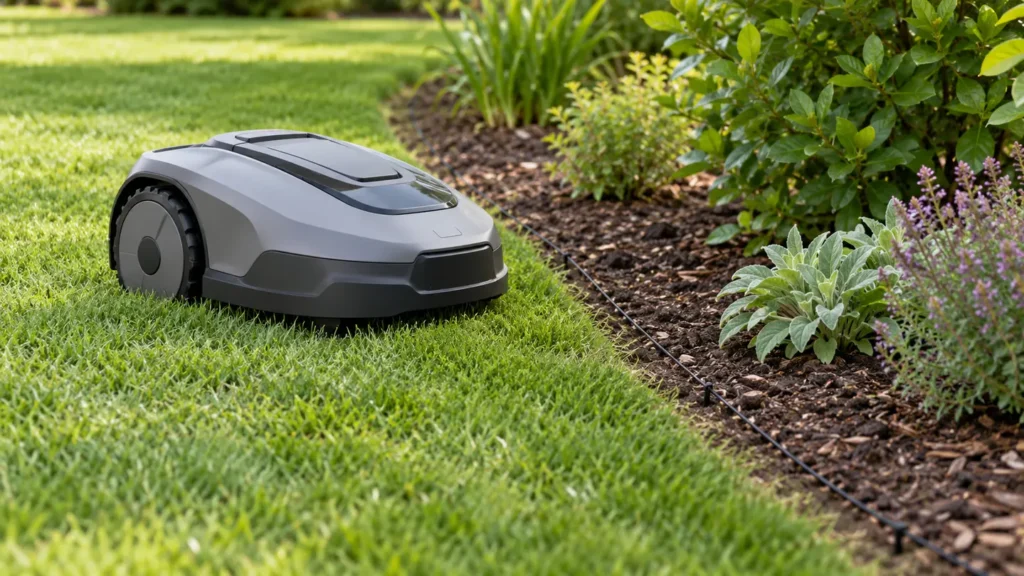
E306 at a glance
| Mower | ANTHBOT robot mower |
|---|---|
| Code | E306 |
| What the official steps point to | Mower outside the mapped boundary or map shifted |
What E306 means
ANTHBOT separates a physically out-of-bounds mower from one that appears outside while still inside the lawn. The second case can indicate map shift, often connected to RTK station movement or an unstable installation.
Fix ANTHBOT robot mower E306 step by step
- 1. Confirm the mower physical position relative to the mapped boundary.
- 2. If it is outside, move it safely back inside and restart.
- 3. If it is physically inside but the app shows outside, inspect the RTK station for movement.
- 4. Review the lawn edge for slopes, ditches, roads, steps or drop-offs.
- 5. Move the virtual boundary inward to create a safety margin.
- 6. Use no-go zones around dangerous drops and remap only if the map has genuinely shifted.
Check these conditions before resetting anything
- The RTK base station is rigidly mounted.
- The map boundary is not drawn directly on a drop or ditch edge.
- Wheel slip is not pushing the mower beyond the line.
- The saved map matches the station position.
Do not place a virtual boundary directly against a road, ditch or step. Leave a margin that accounts for wheel slip and positioning variation.
How to verify the fix
The mower should show inside the map, follow the boundary safely and complete a short run without E306.
If the same code returns, record the exact time, mower location, indicator status and any earlier alert. That sequence is more useful to support than repeated resets.
When to contact support
Contact ANTHBOT if the mower repeatedly appears outside while physically well inside a correctly mapped area. Send a map screenshot and installation photo.
Frequently asked questions
What if the mower is physically inside the lawn?
The map may have shifted. Check whether the RTK base station moved before remapping.
Can a slope cause E306?
Yes. The mower can slip past a boundary near slopes, ditches, roads or drop-offs.
How much boundary margin should I leave?
Leave a practical safety margin based on the terrain and avoid drawing directly on hazards.
Related robot mower help
Source and scope
Primary reference: official ANTHBOT support guidance for E306.
RobotMower.help is independent and is not affiliated with or endorsed by ANTHBOT. This guide explains owner-safe checks and does not replace the manufacturer manual or professional service.