ANTHBOT Error E700: STOP Button or Top Cover Check
Error E700 troubleshooting focuses on clearing the alert, checking the STOP button and reinstalling the mower top cover.
Reviewed October 7, 2026 by RobotMower.help. Independent guidance checked against the official support source linked below.
Quick answer
Hold Mow and OK together to clear the alert, remove debris around the STOP button, reinstall the top cover and restart the mower.
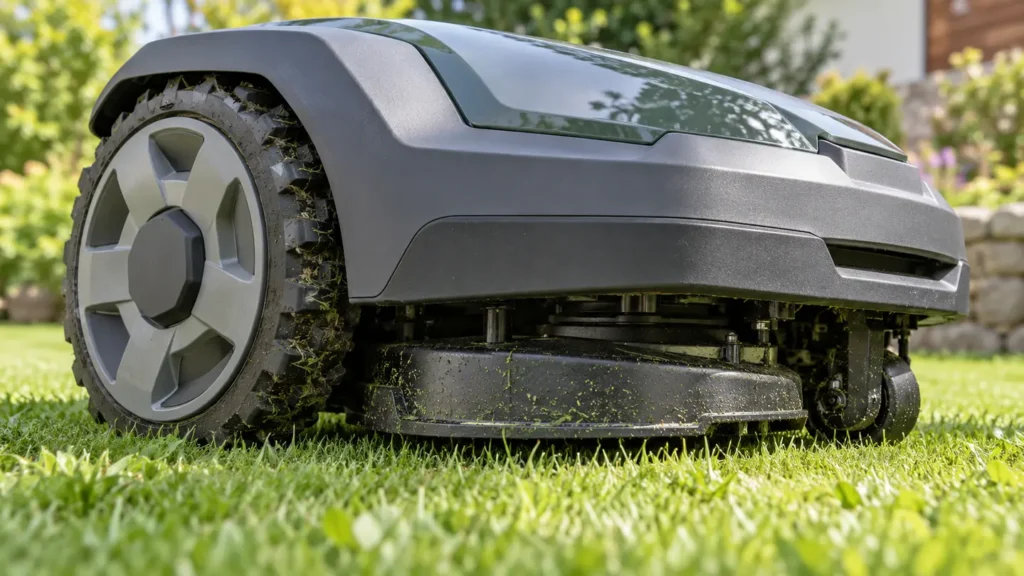
E700 at a glance
| Mower | ANTHBOT robot mower |
|---|---|
| Code | E700 |
| What the official steps point to | STOP button or top-cover related safety alert |
What E700 means
ANTHBOT does not publish a separate one-line definition for E700. Its official sequence checks the STOP button for debris and return movement, then has the owner reinstall the top cover and restart.
Fix ANTHBOT robot mower E700 step by step
- 1. Press and hold Mow and OK together to clear the current error.
- 2. Power down before inspecting the mower.
- 3. Check the STOP button for grass, dirt or another obstruction.
- 4. Press the button gently and confirm it returns to its normal position.
- 5. Reinstall the top cover so it sits correctly.
- 6. Restart and perform a stationary status check before mowing.
Check these conditions before resetting anything
- The STOP button is not held down by debris.
- The top cover is aligned and seated.
- No visible part is cracked or loose.
- The mower remains stationary during the initial restart.
Do not bypass, tape down or force the STOP button. It is a safety control. Contact support if it does not move normally.
How to verify the fix
The STOP button should return freely, the cover should sit correctly and E700 should remain cleared after restart.
If the same code returns, record the exact time, mower location, indicator status and any earlier alert. That sequence is more useful to support than repeated resets.
When to contact support
Contact ANTHBOT if the button sticks, the cover cannot seat correctly or E700 returns. Send a close photo or video and the exact time of the fault.
Frequently asked questions
How do I clear E700?
ANTHBOT says to press and hold the Mow and OK buttons together.
Can debris around STOP cause E700?
The official steps specifically tell owners to inspect and clean around the STOP button.
Should I force the STOP button?
No. It must move and return normally. Contact support if it sticks.
Related robot mower help
Source and scope
Primary reference: official ANTHBOT support guidance for E700.
RobotMower.help is independent and is not affiliated with or endorsed by ANTHBOT. This guide explains owner-safe checks and does not replace the manufacturer manual or professional service.