ANTHBOT Not Returning to Charging Station: Docking Fixes
When an ANTHBOT mower is not returning to the charging station, watch where it fails. Not finding the station area differs from reaching it but failing to align or charge.
Reviewed by the RobotMower.help editorial team. Independent guidance based on the manufacturer source linked below.
Quick answer
Confirm station power and placement, clear and level the final approach, verify RTK positioning, inspect the map for blocked routes, and clean dry docking surfaces only as directed.
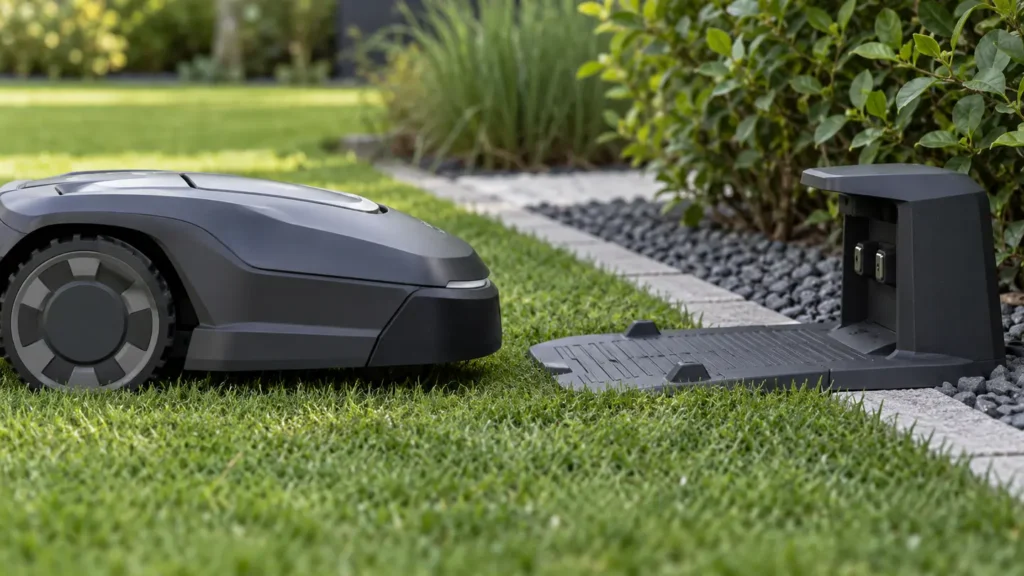
Illustrative troubleshooting image; not a manufacturer product photo.
Fix it in this order
- Watch the full return
Note whether failure occurs in the zone, near the station, during alignment, or after docking. - Confirm station power
Check outlet, adapter, cable, and indicator state before cycling power. - Check for moved hardware
A shifted station or RTK reference can invalidate the saved position. - Clear the approach
Remove toys, branches, tall grass, loose soil, and other obstacles. - Check map continuity
Ensure passages and no-go zones do not isolate the station. - Check positioning at the dock
Test whether roofs, trees, buildings, or metal affect this location. - Inspect contacts safely
Power down as directed, clean dry surfaces, and look for damage.
What usually causes this?
Lost station power, moved hardware, weak positioning near the dock, an obstructed approach, invalid map route, uneven placement, dirty contacts, or charging failure are common causes.
How to verify the fix
Start returns from two nearby directions. The mower should navigate, align without repeated retries, stay docked, and show rising battery percentage.
Do not skip this check: a cleared warning is not proof of a repair. Confirm the mower completes the affected action under supervision before restoring unattended schedules.
Frequently asked questions
Should I delete the map first?
No. Fix power, connectivity, positioning, and hardware placement first. Remapping can hide the original cause.
Should I install an update?
Install only an official update offered for your exact model and keep power and connectivity stable.
When should I stop?
Stop for damaged wiring, unusual heat, battery swelling, burning odor, water inside electrical parts, or repeated hardware faults.
When to contact support
Contact ANTHBOT if it repeatedly reaches the base but cannot align, the station indicator remains abnormal with good power, or charging never begins. Send video and map screenshots.
Source and scope
Primary reference: ANTHBOT official beginner guide.
RobotMower.help is independent and is not affiliated with or endorsed by ANTHBOT. Product behavior can vary by model and firmware.