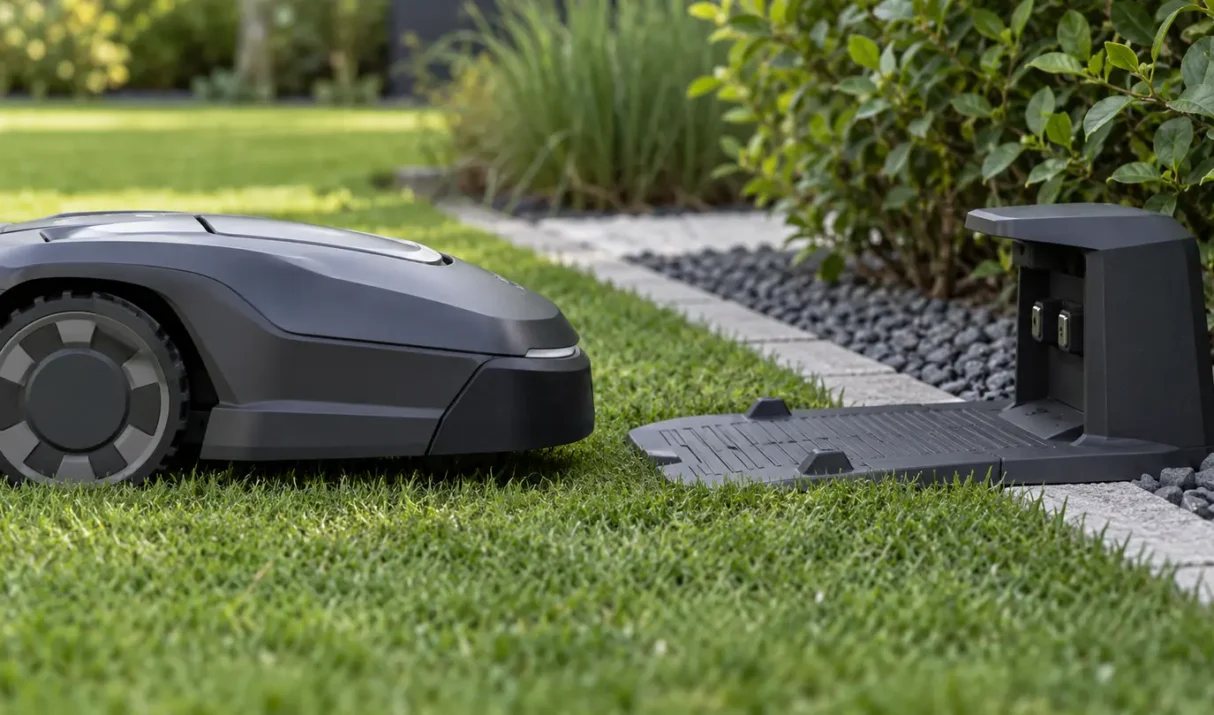

A Lymow mower that is not charging may have a supply problem, poor dock alignment, contaminated contacts, unsuitable temperature, or delayed app reporting. Work from the outlet toward the mower. Quick answer: Confirm the outlet, adapter, station indicator, dock alignment, and dry charging surfaces. Then leave the mower seated and verify that the battery percentage
Most Lymow mower problems fall into five systems: power and charging, positioning, mapping, connectivity, or physical movement. Classifying the symptom first is safer and faster than resetting everything. Quick answer: Write down the exact symptom, confirm power, check the app and positioning status, inspect the route and mower for obstruction, then run one short supervised
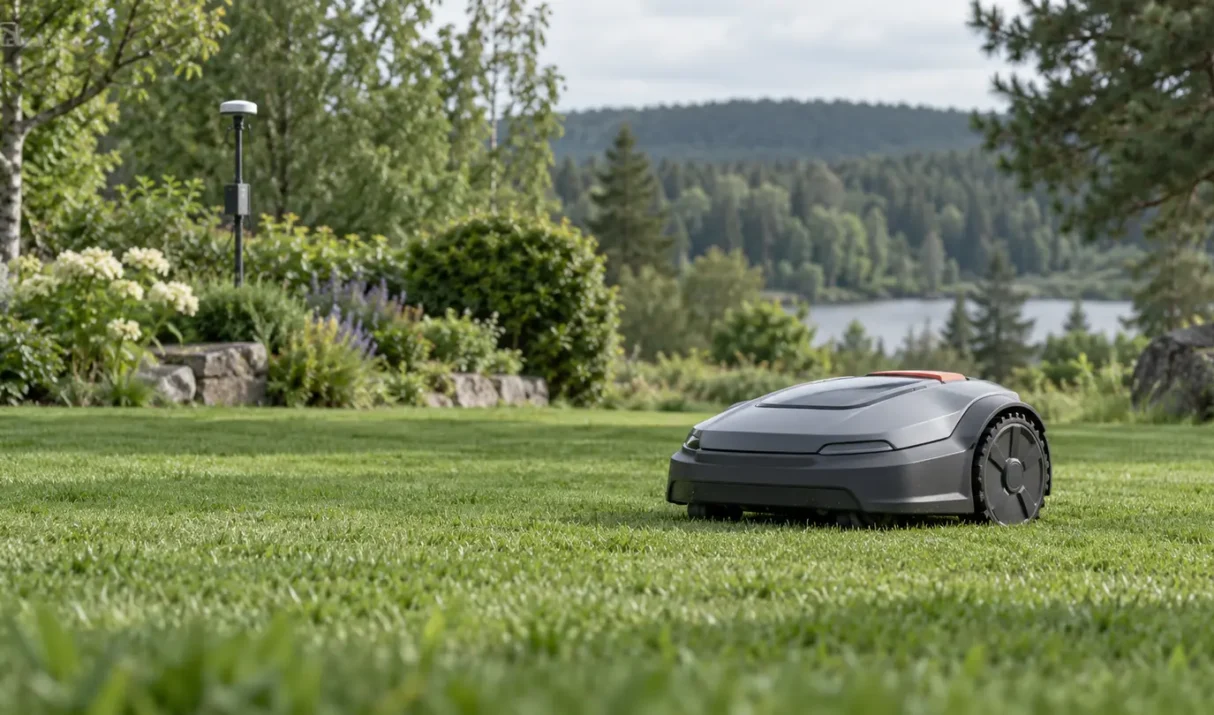
If Lymow RTK is not connecting, the missing link may be power, satellite visibility, app binding, correction data, or communication with the mower. Identify that link before moving equipment. Quick answer: Confirm power and connectors, give the reference a broad sky view, verify binding in the app, and test the mower in an open area.
When the Lymow app is not connecting, identify whether Bluetooth discovery fails, Wi-Fi setup fails, or an already-added mower now appears offline. Those stages use different connections. Quick answer: Keep the powered mower close to the phone, enable required Bluetooth and local-network permissions, use the supported Wi-Fi network, and retry after fully reopening the app.
A Lymow mapping problem may appear as a failed save, drifting boundary, missing area, overlap, or route that cannot be completed. Because Lymow combines RTK and visual positioning, both signal quality and what the mower can see matter. Quick answer: Map in dry daylight, confirm stable positioning and app connection, drive the boundary slowly, and