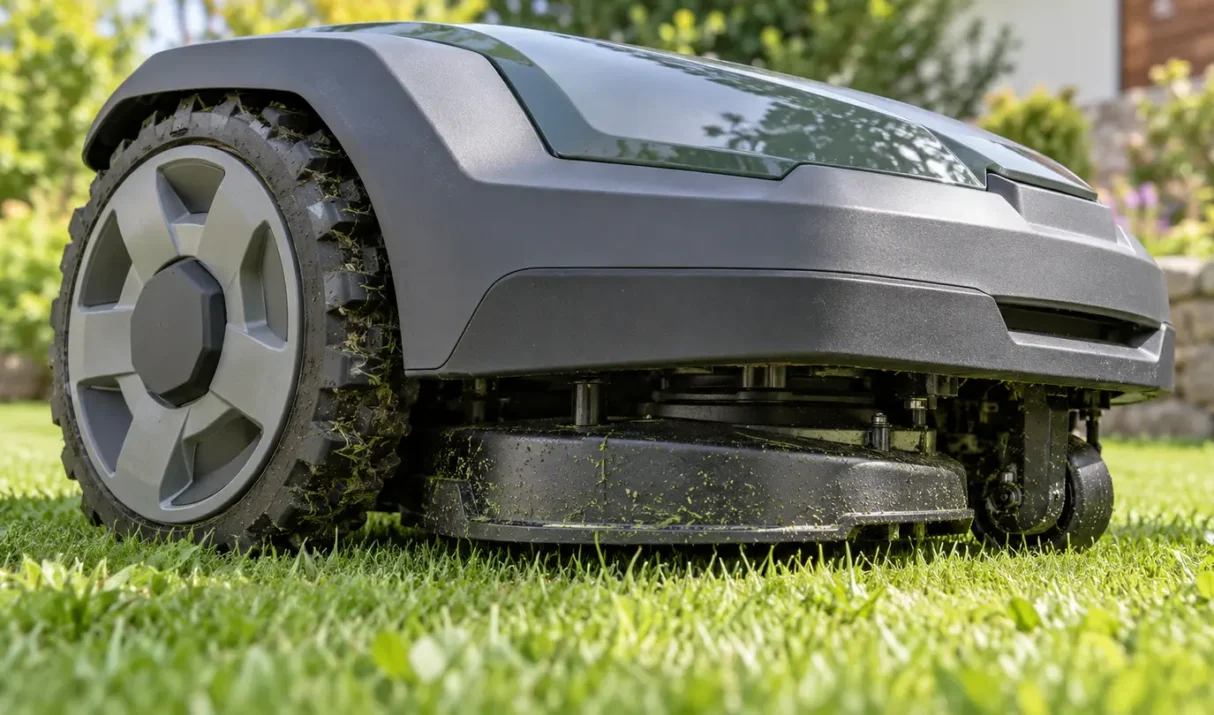

Navimow i2 AWD not moving? Use the mower behavior and error code to separate wheel obstruction, motor, encoder, and motion-control faults.
The fastest way to diagnose Segway Navimow problems is to classify the failure before resetting anything. Error codes, charging, positioning, route, and app failures each have a different first check. Quick answer: Capture the exact code or symptom, confirm mower and station power, check connectivity and positioning, inspect the affected route or hardware, then follow
Most Lymow mower problems fall into five systems: power and charging, positioning, mapping, connectivity, or physical movement. Classifying the symptom first is safer and faster than resetting everything. Quick answer: Write down the exact symptom, confirm power, check the app and positioning status, inspect the route and mower for obstruction, then run one short supervised
When the Lymow app is not connecting, identify whether Bluetooth discovery fails, Wi-Fi setup fails, or an already-added mower now appears offline. Those stages use different connections. Quick answer: Keep the powered mower close to the phone, enable required Bluetooth and local-network permissions, use the supported Wi-Fi network, and retry after fully reopening the app.