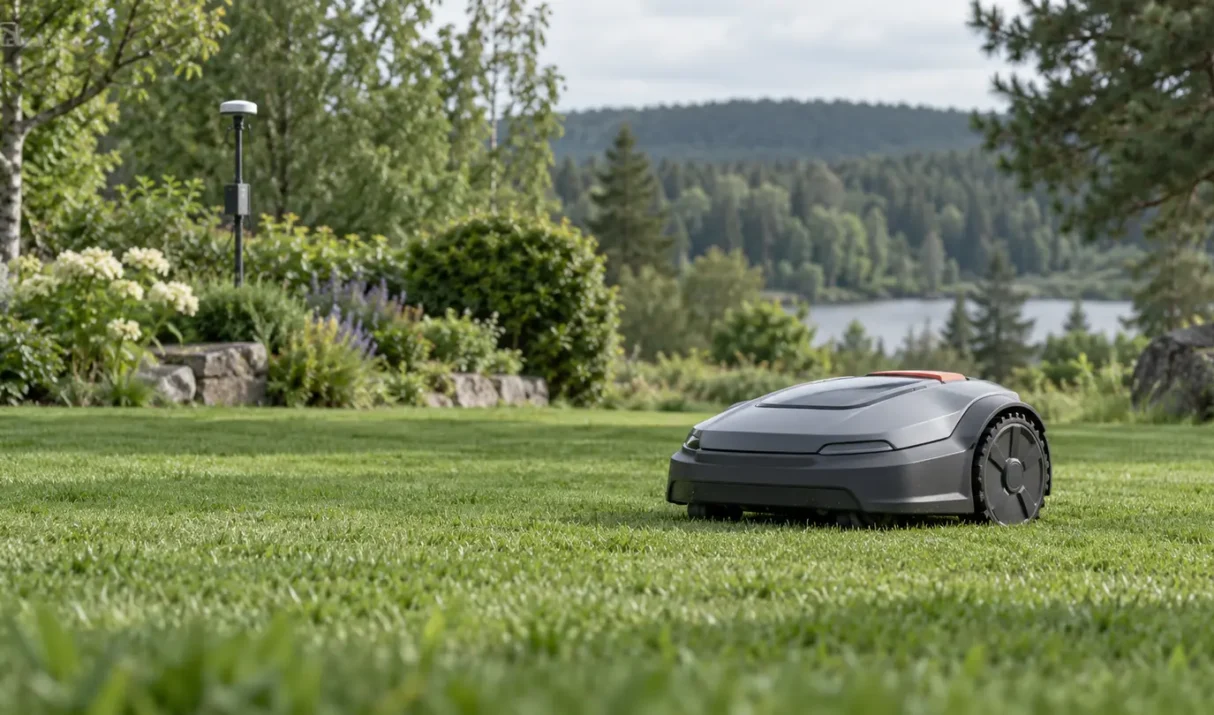

An ANTHBOT mapping problem can result from incomplete setup, weak positioning, poor station placement, an interrupted app session, or a boundary that is too complex. Confirm the selected mapping mode first. Quick answer: Finish RTK and station setup, place the mower on the powered station, confirm a stable app connection, select the intended mapping mode,
If ANTHBOT RTK is not connecting, identify whether the reference lacks power, lacks sky view, is not bound, or cannot send correction data to the mower. Avoid moving it before that diagnosis. Quick answer: Confirm RTK and station power, inspect connectors, provide a broad sky view, complete app binding, and test the mower in an
If Lymow RTK is not connecting, the missing link may be power, satellite visibility, app binding, correction data, or communication with the mower. Identify that link before moving equipment. Quick answer: Confirm power and connectors, give the reference a broad sky view, verify binding in the app, and test the mower in an open area.
A Lymow mapping problem may appear as a failed save, drifting boundary, missing area, overlap, or route that cannot be completed. Because Lymow combines RTK and visual positioning, both signal quality and what the mower can see matter. Quick answer: Map in dry daylight, confirm stable positioning and app connection, drive the boundary slowly, and