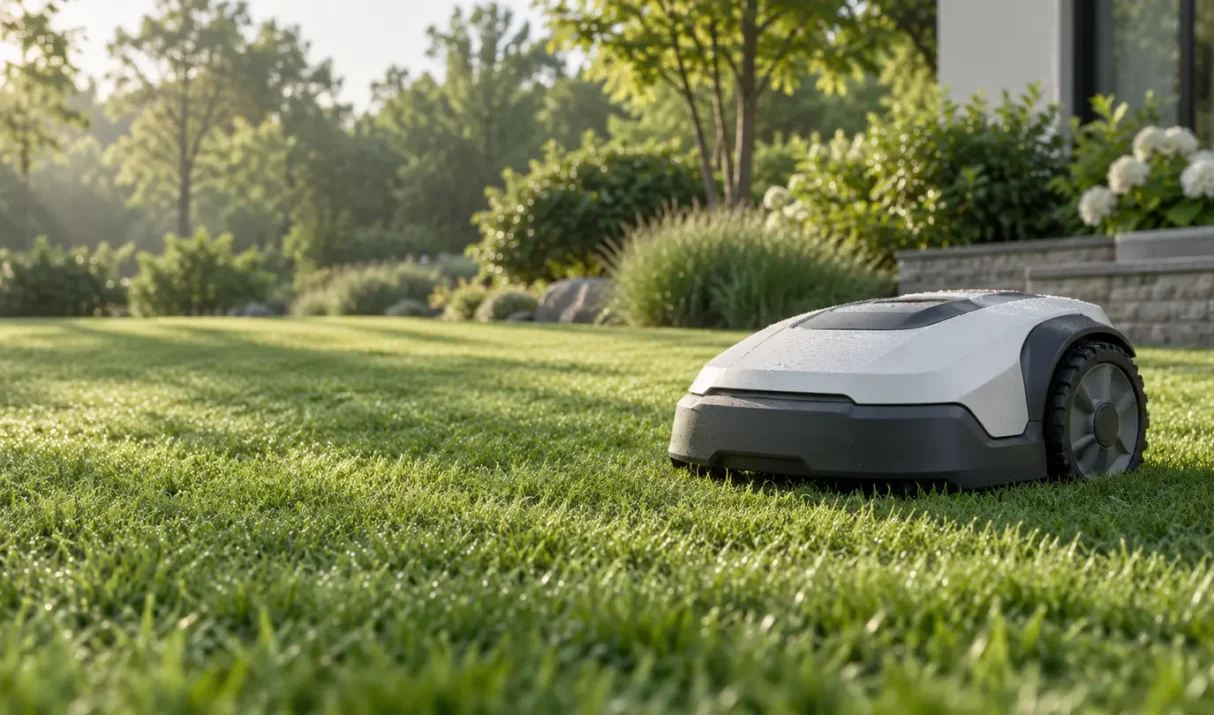

Navimow i2 AWD error 9101 means the mower failed to retrieve required internal interface data. Follow the safe checks and service guidance.
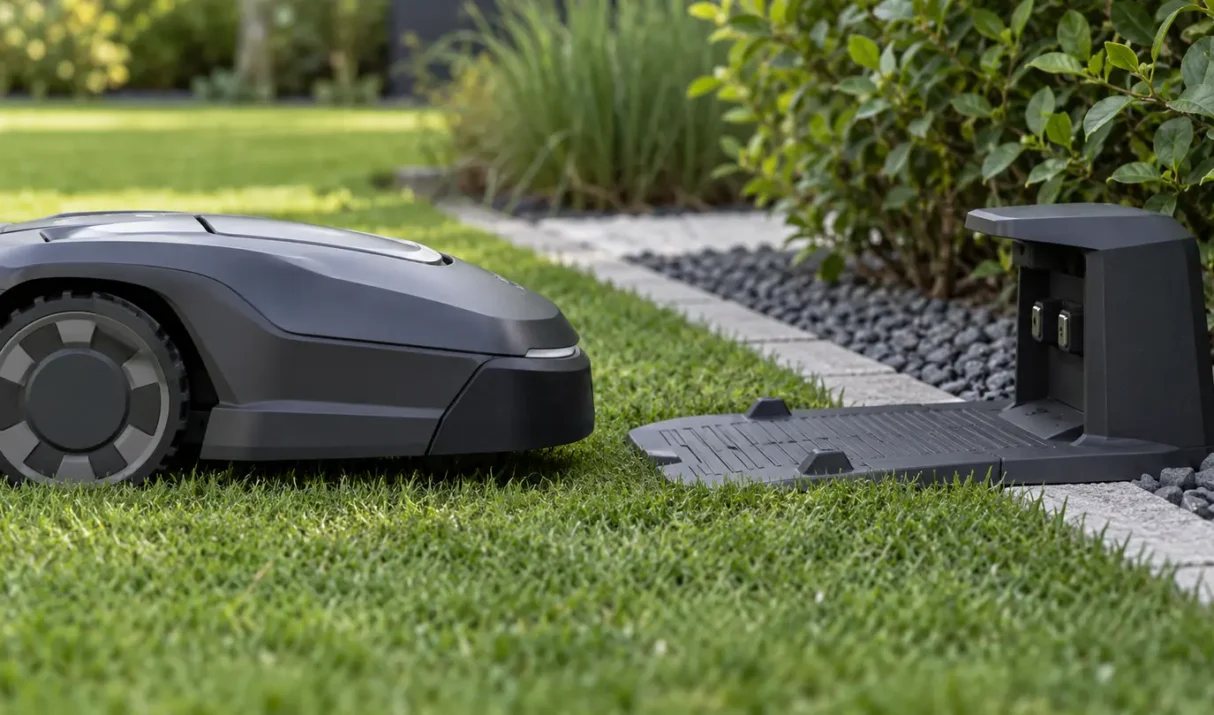
Navimow i2 AWD error 9111 means the mower cannot complete charging normally. Follow the safe checks and service guidance.
The fastest way to diagnose Segway Navimow problems is to classify the failure before resetting anything. Error codes, charging, positioning, route, and app failures each have a different first check. Quick answer: Capture the exact code or symptom, confirm mower and station power, check connectivity and positioning, inspect the affected route or hardware, then follow
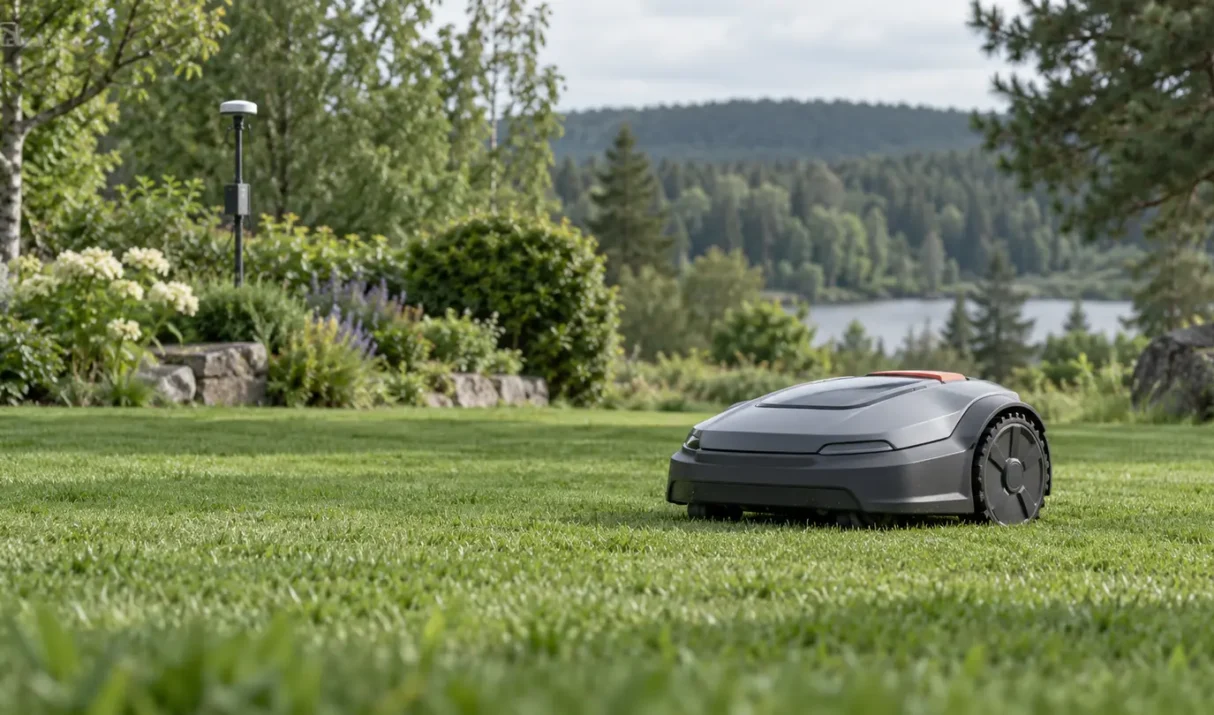
Navimow error 4210 is reported as a Network RTK connection error. The mower is not reliably receiving the correction data required for Network RTK positioning. Quick answer: Confirm the mower is online, refresh the app, verify Network RTK is available and selected, then test in an open area. Do not remap until the connection and
Fix a Navimow that will not return to its charging station by checking the route, dock placement, contacts, signal, sensors, and battery.
Troubleshoot weak Navimow GPS, RTK, and positioning signals with practical antenna, station, obstruction, and firmware checks.