Navimow X4 Error Code 6114: Position Data Error
Press STOP and try continuing the task. Restart once if 6114 remains, then contact support if the position-data error returns.
Read the guide →Positioning and navigation
Fix weak satellite reception, RTK disconnects, failed maps, boundary drift and positioning errors with the least disruptive checks first.
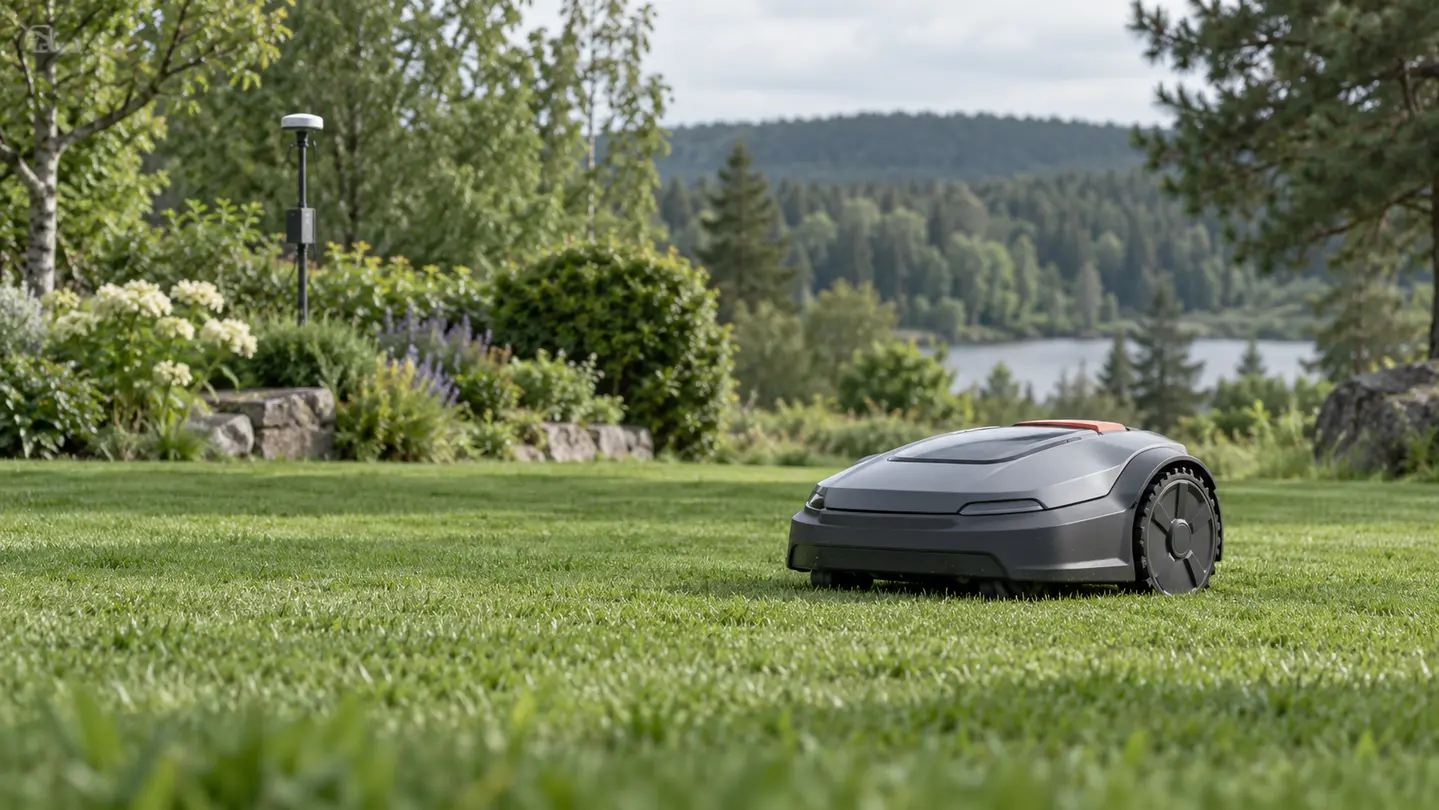
Positioning checklist
RTK mowing depends on the mower, reference station, antenna placement, sky visibility and the link between them.
Confirm power, status lights, pairing and network or LoRa communication before remapping.
Move testing away from walls, trees, roofs and metal structures that block or reflect satellite signals.
Check whether the error is temporary positioning loss or a repeatable boundary-data problem.
Place it in a known open section of the map and allow positioning to stabilize before forcing a reset.
Model-specific help
Use the exact mower brand, model and displayed code whenever possible.
Press STOP and try continuing the task. Restart once if 6114 remains, then contact support if the position-data error returns.
Read the guide →Press STOP to clear the code and restart the mower once if it returns. Escalate a repeated 4103 with the exact time…
Read the guide →Press STOP, restart the mower once and test again. If 6102 returns, collect the serial number and timestamp for Navimow support.
Read the guide →Press STOP, try the task again and recreate the map only if the error continues. Contact Navimow if a new map also…
Read the guide →Move the mower to open, flat ground, confirm the RTK light is solid green and resolve any earlier code before restarting.
Read the guide →Confirm the mower is inside the mapped boundary, move it away from obstructions and avoid testing during rain or weak-signal conditions.
Read the guide →Restart the mower, enter LoRa pairing mode and listen for the mower voice prompts confirming whether pairing succeeded.
Read the guide →Check the RTK base station light. Restart the base station if it is red, then re-pair LoRa. Move the mower into an…
Read the guide →Confirm the RTK light is solid green. Clear nearby obstructions and check charging-station power if the RTK light is off.
Read the guide →An ANTHBOT mapping problem can result from incomplete setup, weak positioning, poor station placement, an interrupted app session, or a boundary that…
Read the guide →If ANTHBOT RTK is not connecting, identify whether the reference lacks power, lacks sky view, is not bound, or cannot send correction…
Read the guide →If Lymow RTK is not connecting, the missing link may be power, satellite visibility, app binding, correction data, or communication with the…
Read the guide →A Lymow mapping problem may appear as a failed save, drifting boundary, missing area, overlap, or route that cannot be completed. Because…
Read the guide →Navimow X4 error 7106 indicates a GNSS module fault. Clear the code, restart safely, and learn when positioning trouble needs support.
Read the guide →Navimow X4 error code 8101 means the camera sensor is not calibrated. Learn why there is no DIY calibration and what support…
Read the guide →